Computers, Tablets & Accessories / PRODUCT GUIDE
Logitech MK270: a full-size wireless desk set with a compact mouse
The MK270 trades Bluetooth and premium ergonomics for a simple shared USB receiver, number pad and long advertised battery intervals.
As an Amazon Associate I earn from qualifying purchases.
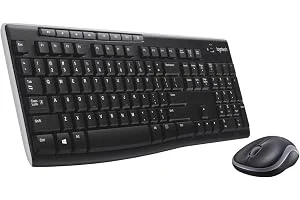
View Logitech MK270 keyboard and mouse combo (Black) on Amazon (paid link) ↗
Know which MK270 bundle this ASIN points to
Amazon ASIN B079JLY5M5 identifies the black MK270 keyboard-and-mouse combo, cataloged as Logitech part 920-008813. Logitech has revised the combo over time and lists several keyboard, mouse and receiver model numbers under the MK270 name. That matters if you are comparing a used set, replacement receiver or a retailer’s product image. For the exact listing, check that it includes both devices and the USB receiver, and do not assume every revision has identical internals.
Full-size keys and a number pad are the main reason to choose it
The keyboard has a conventional full-size layout with number pad, media hotkeys and adjustable tilt legs. That suits spreadsheets, forms and desktop typing better than a compact travel keyboard if you use the number row and navigation keys often. It also occupies a full keyboard’s worth of desk space. Measure the desk before buying if you work on a small table or need to stow the keyboard between sessions.
A compact mouse keeps the bundle convenient, not luxurious
The included mouse is a small ambidextrous shape with an optical sensor and a standard scroll wheel. Logitech lists 1000 DPI for the MK270 family. A compact mouse is easy to move and works for routine browsing, but it may feel cramped if you have larger hands, prefer a contoured palm grip or spend long sessions in design software. The bundle is useful because both controls arrive together; it does not mean both will suit every hand.
One tiny receiver is convenient, but it is USB-A and model-specific
The keyboard and mouse share a 2.4GHz Logitech nano receiver, with a stated range up to 10 meters under suitable conditions. This is a plug-in receiver rather than Bluetooth. It is handy for a desktop PC with a free USB-A port, and inconvenient on a thin laptop that has only USB-C unless you add an adapter or hub. Logitech’s support page also documents non-Unifying receiver variants, so do not assume you can replace a missing receiver with any Logitech dongle.
Battery life is a manufacturer estimate and varies by revision
Logitech’s current product listing gives up to 36 months for the keyboard and 12 months for the mouse under its stated conditions. The support page shows model-specific variations: some older combinations are listed at different intervals. Both use replaceable batteries and on/off switches, so the basic routine is easy to understand. Treat the quoted intervals as estimates rather than a guarantee; actual use, battery quality and the exact revision affect replacement timing.
Spill resistance has a clear limit
Logitech describes the keyboard as spill-resistant and says it tested a maximum 60ml spill under limited conditions. That does not make the keyboard waterproof, washable or safe to immerse. Keep drinks away when possible, and follow the maker’s cleaning guidance after any accident. The mouse has no corresponding claim in this keyboard specification, so the spill-resistant description should not be applied to the complete combo.
Compare MK295 if quieter typing matters more
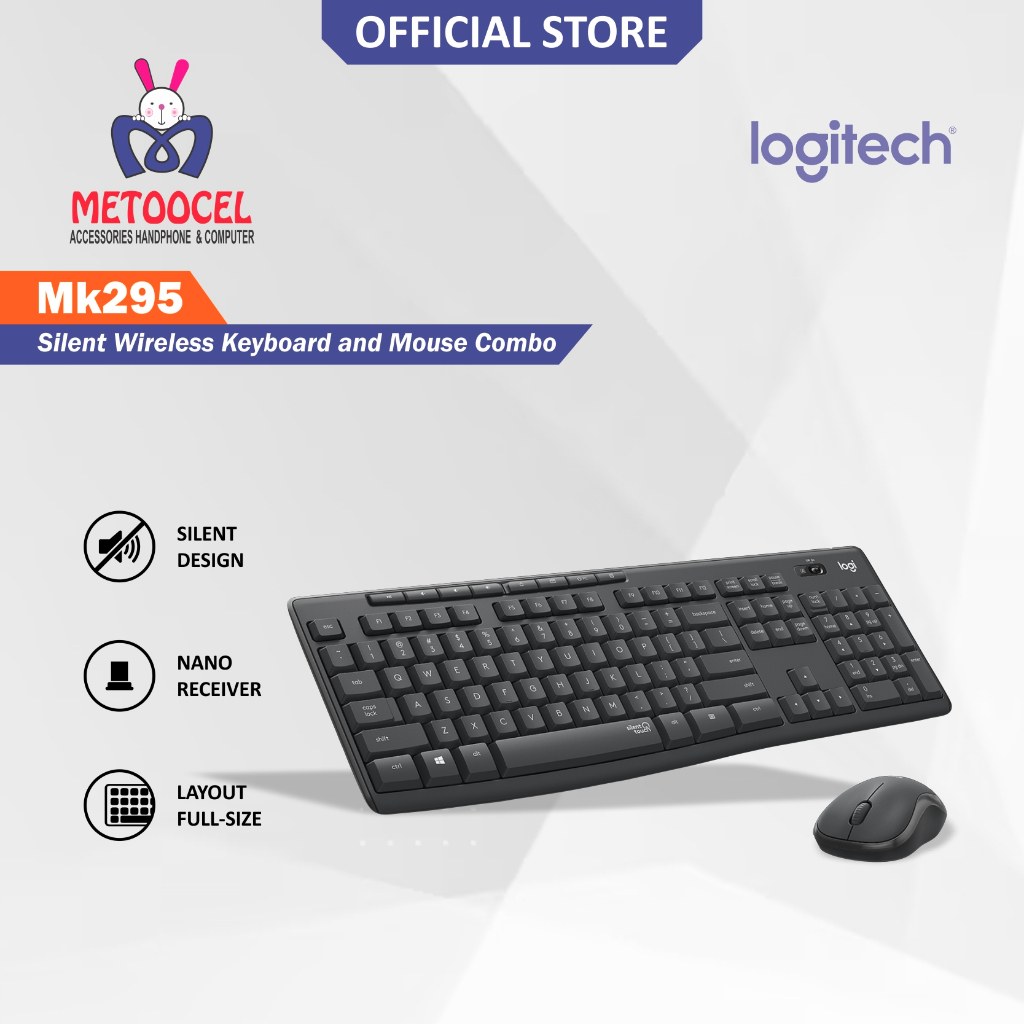
Logitech MK295 adds SilentTouch and is the more relevant alternative when keyboard and mouse noise bothers people nearby. Logitech says the technology reduces its measured typing and clicking noise by over 90 percent; that is the maker’s claim, not a guarantee of silent operation. The MK270 is the simpler pick if standard key and click sounds are acceptable or the bundled configuration is the better fit. Compare color, layout and exact receiver before buying.
Compare MK540 when desk comfort matters more
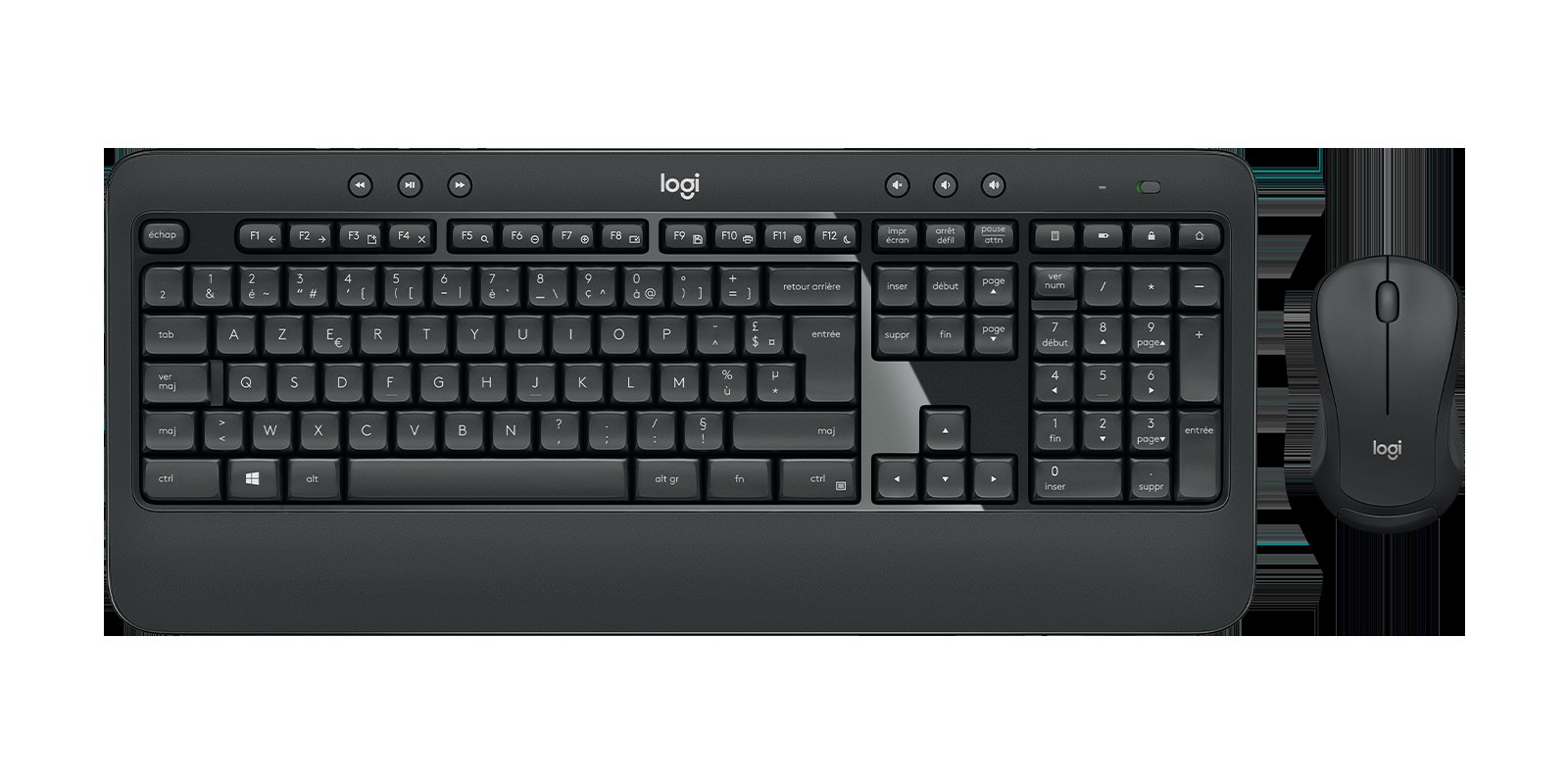
The Logitech MK540 Advanced is a step-up combo with a palm rest, an ambidextrous mouse with soft side grips, and a Unifying receiver. Its keyboard and mouse are larger and its receiver ecosystem differs from the MK270. That can be worthwhile for a permanent work desk or if you want more shaping, but the larger set and higher-tier feature set are unnecessary for occasional home use. Check the MK540’s receiver and platform compatibility too.
Who should shortlist the MK270
Choose this bundle when you want a familiar full-size keyboard, number pad, basic mouse and one USB-A receiver for a fixed PC setup. Pass if you need Bluetooth, USB-C-only connectivity, a quiet mouse, a larger ergonomic shape or a receiver you can freely interchange with other Logitech gear. This guide uses Logitech’s product and support specifications; no typing-comfort or battery-duration test was conducted for Ryan’s site.
Compare the shopping options
Logitech MK295 — quieter combo alternative
Product photo: Shopee product photo
Logitech MK540 — compare the more ergonomic full-size set
Product photo: Logitech product photo
Sources and review basis
Researched November 18, 2026. Ryan’s own experience is attributed where supplied. Other judgments are buying advice based on the cited product information, not a hands-on comparison or laboratory test. Prices and availability are checked at the retailer.