Computers, Tablets & Accessories / PRODUCT GUIDE
TP-Link Deco X55 3-pack: good mesh coverage, with a dual-band limit
A Wi-Fi 6 mesh kit with three wired ports per node; check your floor plan, modem and wired-backhaul options before relying on its maximum coverage claim.
As an Amazon Associate I earn from qualifying purchases.
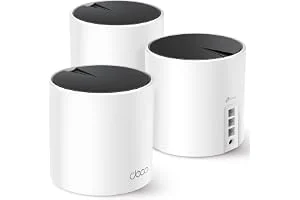
View TP-Link Deco X55 Wi-Fi 6 mesh system (3-pack) on Amazon (paid link) ↗
Confirm the 3-pack and the hardware generation
The linked system is the TP-Link Deco X55 AX3000 Wi-Fi 6 mesh 3-pack, ASIN B09PRB1MZM. TP-Link lists three nodes in the package and identifies the 3-pack hardware version in its comparison data. Similar X55 names cover other pack counts and revisions. Verify that the checkout selection includes three Deco units, power adapters and the Ethernet cable before comparing price or coverage.
What AX3000 means in everyday terms
The X55 is a dual-band Wi-Fi 6 mesh system. TP-Link lists up to 2402 Mbps on 5 GHz and 574 Mbps on 2.4 GHz under its AX3000 specification. These are combined theoretical link rates across bands, not a single device’s expected internet speed. Your ISP plan, client hardware, distance, walls, interference and mesh-node link all shape the result.
The 6,500-square-foot figure is a planning estimate
TP-Link advertises up to 6,500 square feet of coverage for the 3-pack and says it can handle more than 150 devices. Those are maximum marketing figures, not a guarantee for every floor plan. Thick walls, multiple floors, neighboring networks and poor node placement can reduce useful coverage. Start with the main node near the modem and place satellites where the signal is still strong rather than in the dead zone itself.
Three Gigabit ports on every node add wired flexibility
Each X55 unit has three Gigabit Ethernet ports with WAN/LAN auto-sensing. That can support wired devices or an Ethernet backhaul between nodes, depending on your layout. Wired backhaul can help avoid using Wi-Fi airtime for the mesh connection, but it requires suitable cable runs. The system still relies on your modem or gateway connection for internet service; it does not replace a modem.
Router mode, access-point mode and HomeShield
TP-Link lists both router and access-point operation, plus HomeShield network tools and app-guided setup. Choose access-point mode when an existing router remains in charge of routing; use router mode only when you want the Deco to take that role. Some security or parental-control services may have tier differences, so review the current HomeShield plan details if those tools are a key reason to buy.
The important limitation: dual-band, not Wi-Fi 6E
The X55 does not have a 6 GHz band. Its two bands are 2.4 and 5 GHz, so a compatible Wi-Fi 6E client cannot use 6 GHz through this kit. A tri-band 6E mesh system costs more but may be a better fit for a particularly crowded network or high-throughput wireless backhaul. Mesh equipment cannot increase the speed beyond what enters your home from the ISP.
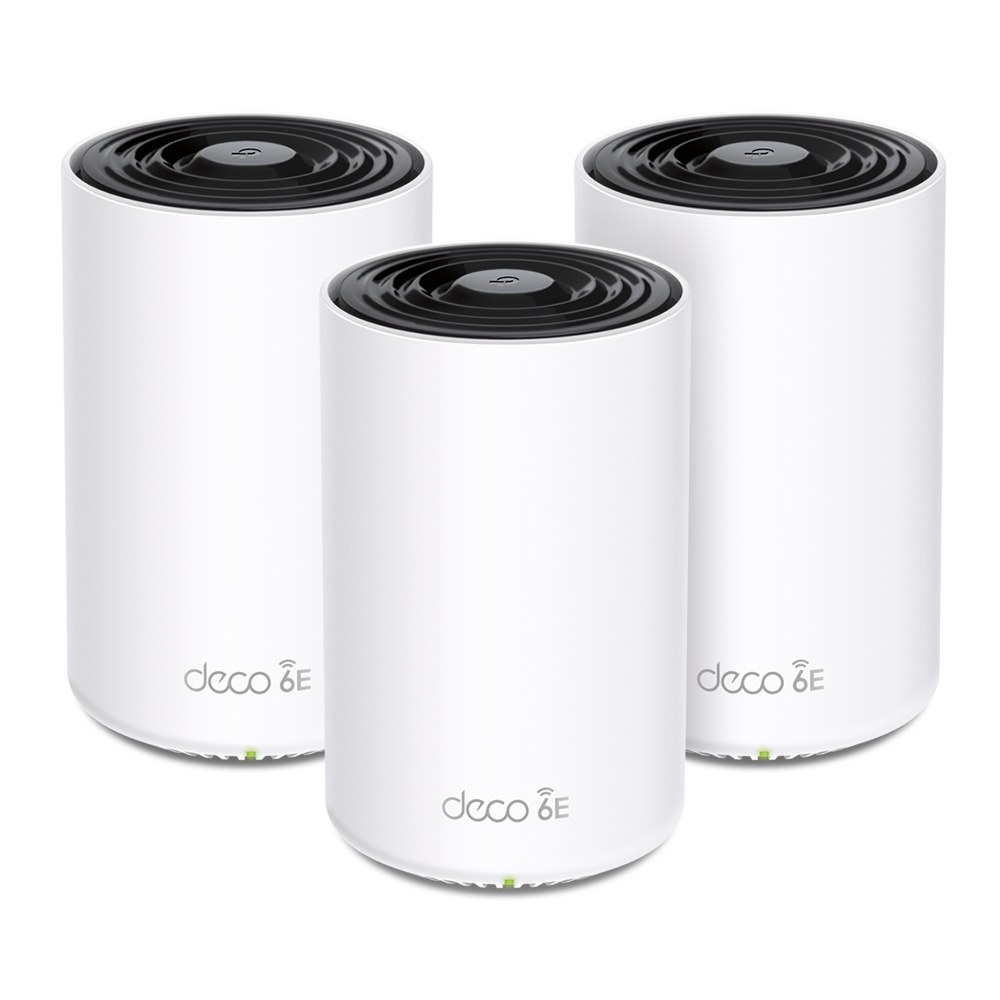
Compare a Deco XE75 3-pack if 6 GHz matters
TP-Link Deco XE75 is a same-brand comparison when you want tri-band Wi-Fi 6E and a 6 GHz band. Check the exact XE75 hardware version and pack count; the additional band is not automatically faster in every home and requires compatible devices or can help the mesh backhaul depending on configuration. The X55’s dual-band simplicity may be enough when coverage is the main problem.
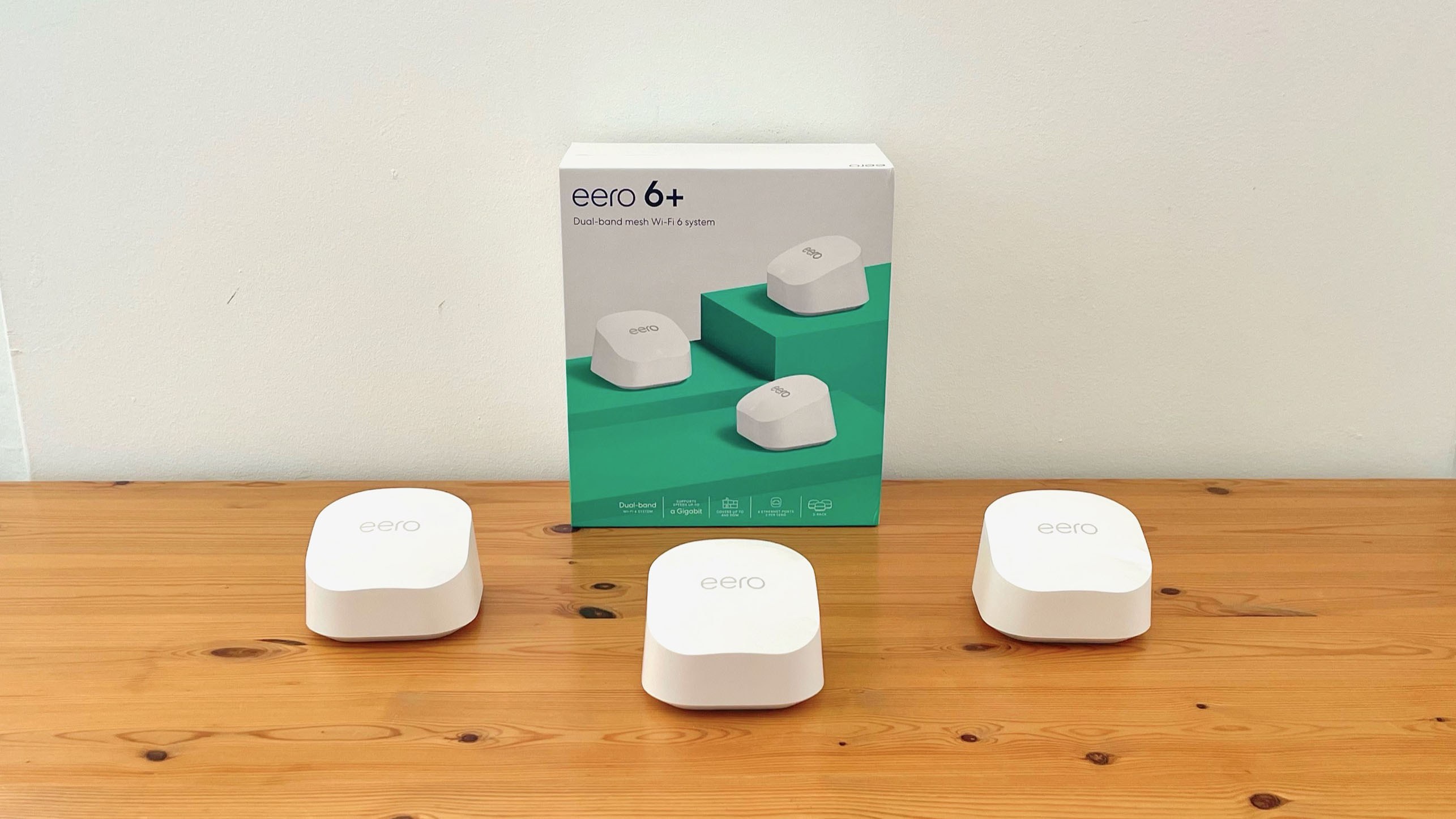
Compare eero 6+ if you want a different app ecosystem
eero 6+ is a useful dual-band Wi-Fi 6 comparison from a different mesh platform. Compare its included node count, Ethernet ports, subscription-dependent services and app controls with this X55 3-pack. Mixing systems or choosing a different brand changes how you manage a mesh network, so look at the features you will actually configure rather than only the advertised area.
Who should shortlist the X55 3-pack
Consider it for a multi-room home where a three-node mesh and several wired ports per node solve real coverage or cabling needs. Skip it if you need 6 GHz, only need one router, or cannot place satellites in useful locations. Before setup, confirm pack count, modem/router mode, hardware version, internet plan and whether Ethernet backhaul is possible. This is based on TP-Link’s published specifications; no speed test was run in Ryan’s home.
Compare the shopping options
Deco XE75 — compare a tri-band 6E mesh system
Product photo: TP-Link product photo
eero 6+ — compare another dual-band Wi-Fi 6 mesh platform
Product photo: TechRadar product photo
Sources and review basis
Researched November 18, 2026. Ryan’s own experience is attributed where supplied. Other judgments are buying advice based on the cited product information, not a hands-on comparison or laboratory test. Prices and availability are checked at the retailer.